
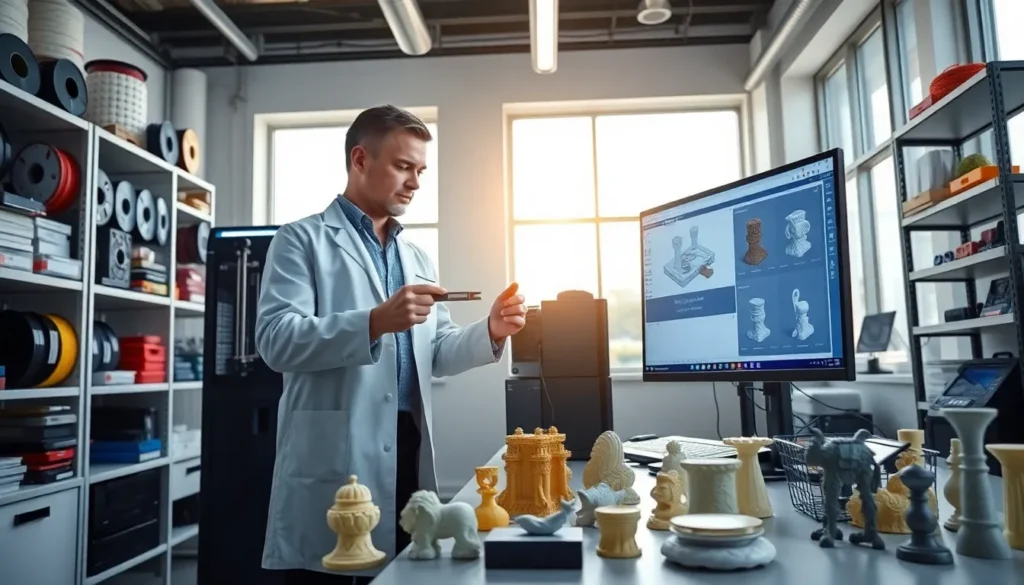
Welcome to the world of 3D printing, where dreams take shape, literally. But let’s face it, this utopia of creation sometimes comes with its fair share of headaches. If you’ve ever found yourself staring at a messy failed print, don’t worry. You’re not alone in this techno-saga of disasters. With a little know-how and a sprinkle of patience, you can turn those printing woes into successes. Ready to jump into the most common pitfalls of 3D printing? Buckle up.
Common Issues in 3D Printing
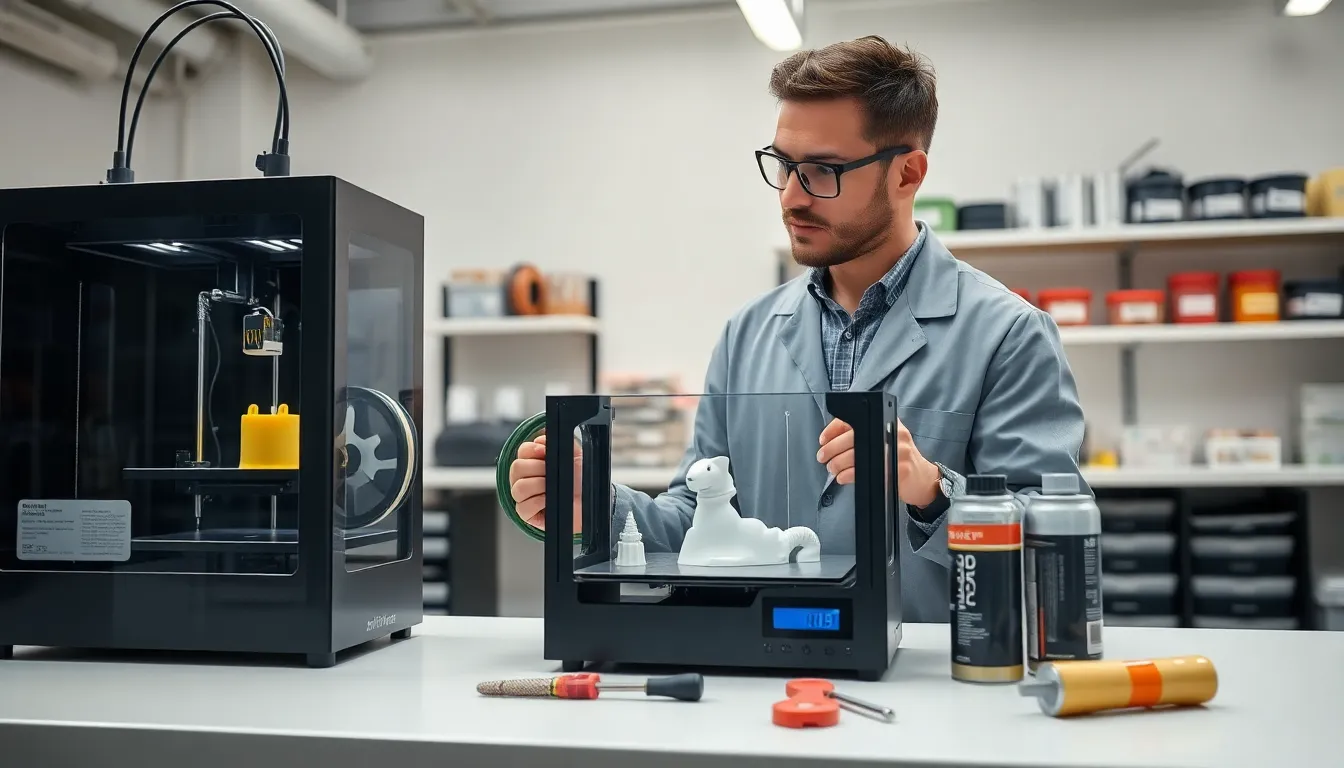
Filament Problems
One of the biggest culprits behind problematic 3D prints lies right in the material used: the filament itself. If the filament is old, poorly stored, or incompatible with your printer, it can lead to jams, poor extrusion, and that charming spaghetti-like mess we all dread. It might be a good idea to invest in high-quality filaments from reputable manufacturers. Proper storage solutions, like vacuum sealing, can help preserve the quality of your materials significantly.
Print Bed Adhesion Issues
Imagine your masterpiece rising from the heated depths of the print bed, only to realize it’s stuck like a stubborn toddler refusing to share their toys. Poor bed adhesion often results in prints lifting or warping mid-process, leading to all kinds of frustrations. Solutions range from ensuring the print bed is level to using adhesives, like glue sticks or hairspray, to create a stronger bond.
Mechanical Failures
Even the sleekest of machines can have a dropout. Mechanical failures encompass a wide range of issues from broken belts to worn-out extruder gears. Regular maintenance and inspections can go a long way to keeping your machine in peak condition. Conveyor components deserve a bit of TLC, as does the overall assembly. After all, a well-oiled machine is the bread and butter of successful 3D printing.
Quality Control Concerns
Surface Finish Imperfections
The surface of a print often reflects the quality behind it. From layer lines to rough patches, surface finish imperfections can sabotage an otherwise excellent design. One way to mitigate this is to tweak print speeds and layer heights, aiming for that sweet spot where precision meets aesthetics. Using a finer nozzle or incorporating post-processing techniques like sanding can also help enhance that sleek look you want.
Dimensional Accuracy Problems
Ever had a part that simply didn’t fit, no matter how hard you tried? Dimensional accuracy can be a real pain point in 3D printing. Factors such as the scale of your model, thermal shrinkage or expansion, and even printer calibration can throw things off. A well-calibrated machine is key: making adjustments based on test prints can save countless headaches down the road.
Warping and Shrinkage Issues
Cooling and Temperature Fluctuations
Picture it: your print is soaring towards completion, and suddenly it warps right before your eyes. Warping and shrinkage are common occurrences, especially with ABS filament, largely due to temperature changes during the printing process. To avoid this, try printing in a controlled environment, and consider that heated enclosure. Even a simple fan arrangement can improve the cooling process, limiting those nasty surprises at the end.
Overhangs and Support Challenges
Overhangs can be both a blessing and a curse in 3D printing. They allow for intricate designs but demand careful considerations about supports. A print might need additional support material to avoid sagging or collapsing, which can introduce complications during the post-processing stage. Researching your model to anticipate these needs ahead of time can save hours of frustration.
Strategies to Overcome Common Problems
Maintenance Best Practices
A little preventive care can go a long way. Regularly cleaning your printer, checking for clogs, and even calibrating your bed can enhance print quality significantly. Besides, keeping track of filament conditions is essential: sticky or damp filaments are detrimental to any crafting endeavors.
Choosing the Right Settings
Getting acquainted with your slicer settings is pivotal for successful prints. Adjust layer height, print speed, and temperature based on the filament and model requirements. Each modification can drastically impact performance, so don’t hesitate to experiment for that perfect print.


